VPN & Securite
How to Install and Configure NordVPN on Windows
Protect your internet connection in 5 minutes
Complete guide to install NordVPN on Windows, choose the best server, and secure your browsing in West Africa.
5 steps
3 views
Updated on 23/07/2026
shield
In summary
Complete guide to install NordVPN on Windows, choose the best server, and secure your browsing in West Africa.
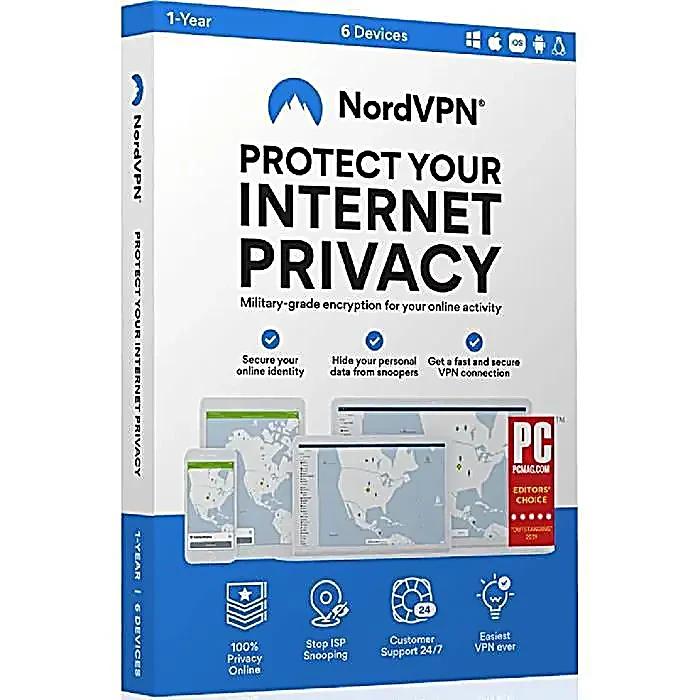
NordVPN is one of the world's most popular VPNs, ideal for protecting your internet connection and accessing geo-restricted content from Africa.
Steps to follow
1
Download NordVPN
Visit nordvpn.com and download the Windows application. The installer is about 30 MB.
Placeholder — Screenshot to add here
Tip:
Always download from the official website to avoid counterfeit versions.
2
Install the application
Run the downloaded file and follow the installation wizard. Click 'Install' and wait for the process to complete (1-2 minutes).
Placeholder — Screenshot to add here
Tip:
No restart required after installation.
3
Log in with your credentials
Launch NordVPN and log in with the email and password provided by RDS Hub after your purchase.
Placeholder — Screenshot to add here
Tip:
If you have an activation code, click 'Use activation code' instead.
4
Choose a server
Click on the map to select a country, or use 'Quick Connect' for the fastest server. For Africa, try European servers (France, Netherlands) for low latency.
Placeholder — Screenshot to add here
Tip:
Lower ping servers offer faster browsing.
5
Enable security features
In settings, enable 'Kill Switch' (cuts internet if VPN disconnects), 'CyberSec' (blocks ads and malware), and 'Auto-connect' (automatic VPN on WiFi).
Placeholder — Screenshot to add here
Tip:
The Kill Switch is essential to never expose your real IP.