Microsoft Office
How to Activate Microsoft Office 2021 with Your License Key
Complete installation and activation guide
Step-by-step guide to install and activate Microsoft Office 2021 with a license key from RDS Hub.
4 steps
3 views
Updated on 23/07/2026
office
In summary
Step-by-step guide to install and activate Microsoft Office 2021 with a license key from RDS Hub.
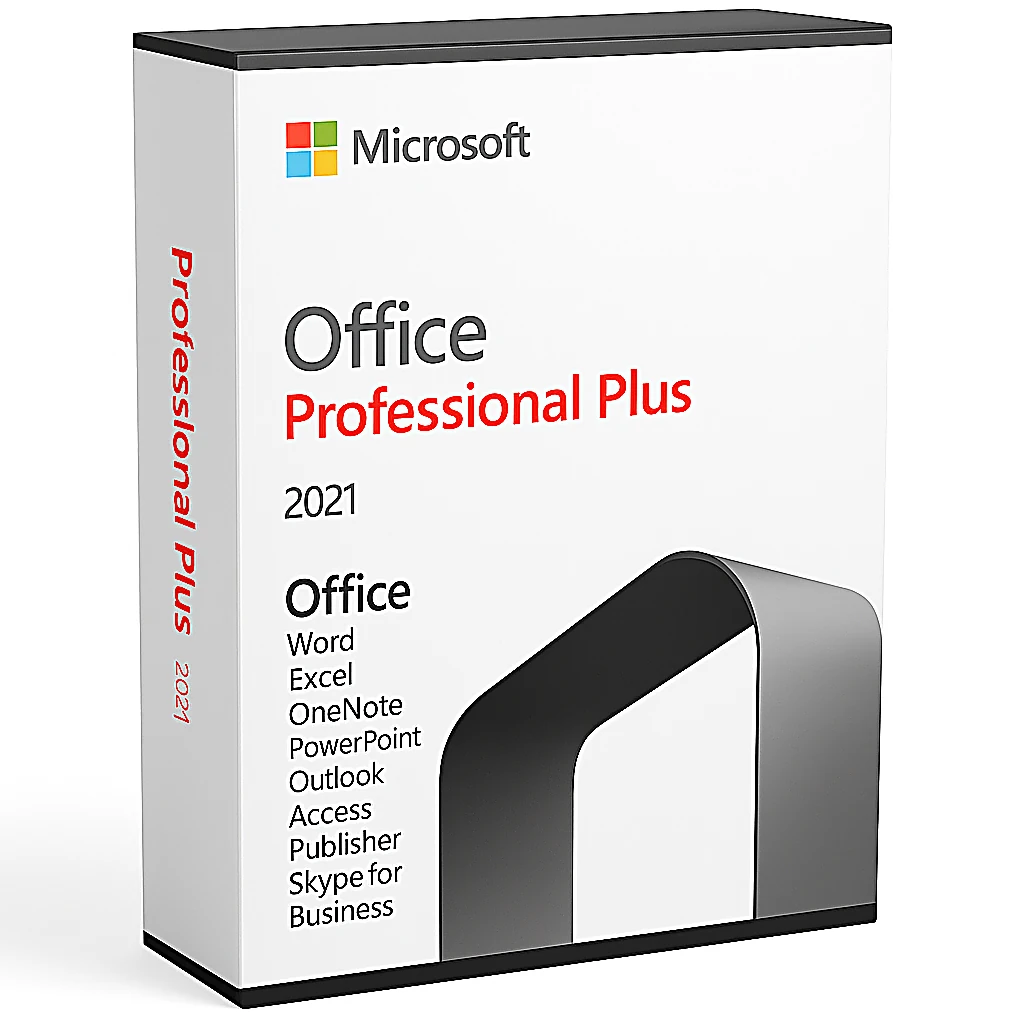
Microsoft Office 2021 is the latest one-time purchase version of Office. This guide walks you through installation and activation.
Steps to follow
1
Download Office 2021
Go to office.com and sign in with your Microsoft account. Download the Office 2021 installer from the downloads section.
Placeholder — Screenshot to add here
Tip:
Use the same Microsoft account you want to link your license to.
2
Install Office
Run the downloaded installer and follow the wizard. The installation takes 15-30 minutes depending on your internet speed.
Placeholder — Screenshot to add here
Tip:
Close all other applications during installation.
3
Enter your license key
Open any Office app (Word, Excel). When prompted, enter your 25-character key from RDS Hub.
Placeholder — Screenshot to add here
Tip:
Copy-paste the key to avoid errors.
4
Verify activation
Open Word and go to File > Account. You should see 'Product Activated' next to your Office edition.
Placeholder — Screenshot to add here
Tip:
If activation fails, contact RDS Hub WhatsApp support for instant help.